Playwright with AI Testing
7 Best Use Cases for AI QA Automation Projects
Playwright with AI Testing combines browser and API checks with a separate evaluation of AI responses. Use Playwright to test whether a chatbot works correctly; use evidence-based evaluation to decide whether its answers are useful and trustworthy.
This guide covers seven practical use cases, a small test you can run, and focused exercises for QA learners. It distinguishes using AI to help write tests from testing software that contains AI.

Share
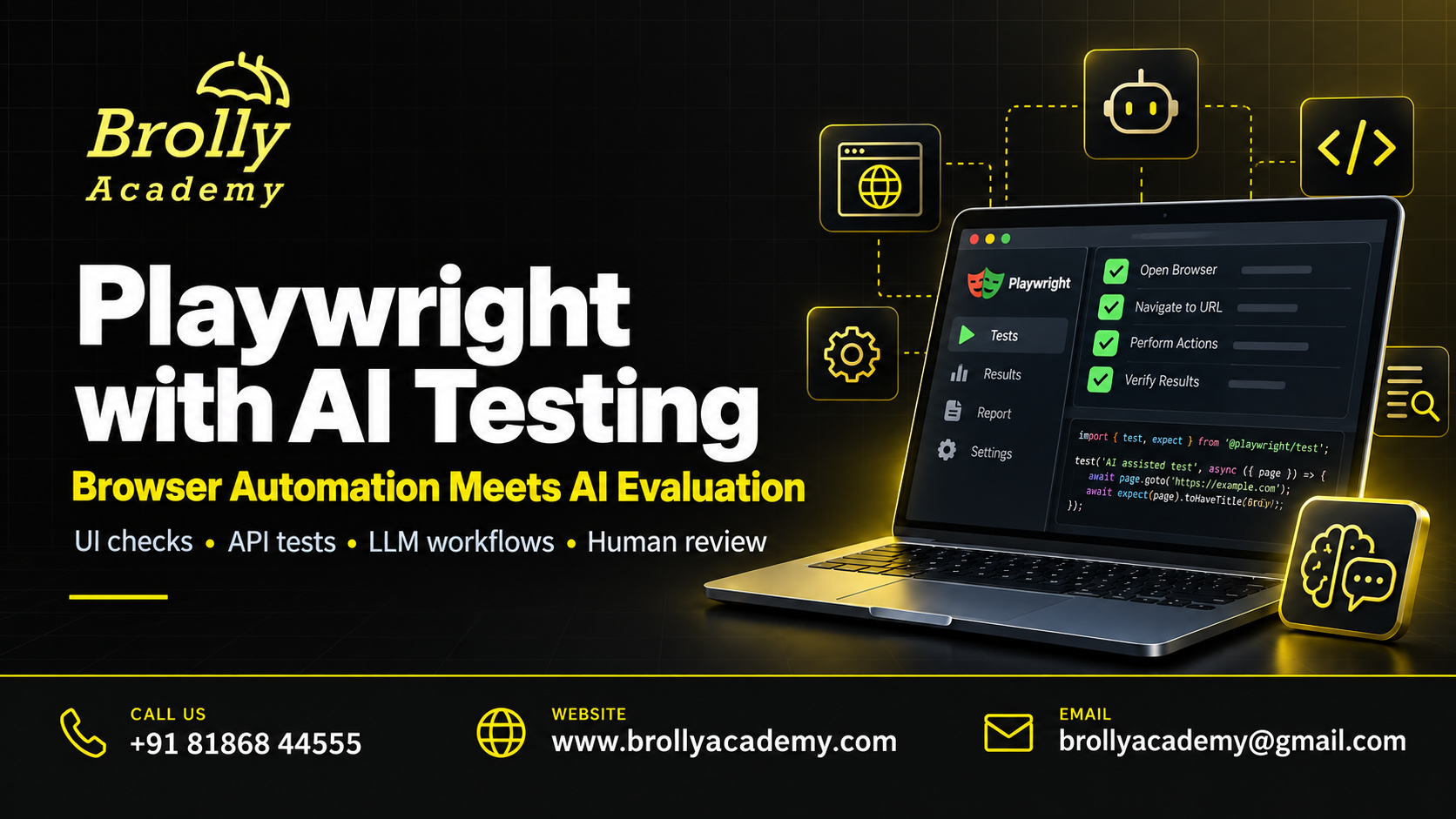
Table of Contents
Quick Answer: What Should Playwright Test?
Playwright tests the application around an AI model: the form, conversation history, API calls, loading indicators, citations, permissions and error messages. It can collect model output for evaluation, but a visible answer is not proof that the answer is correct.
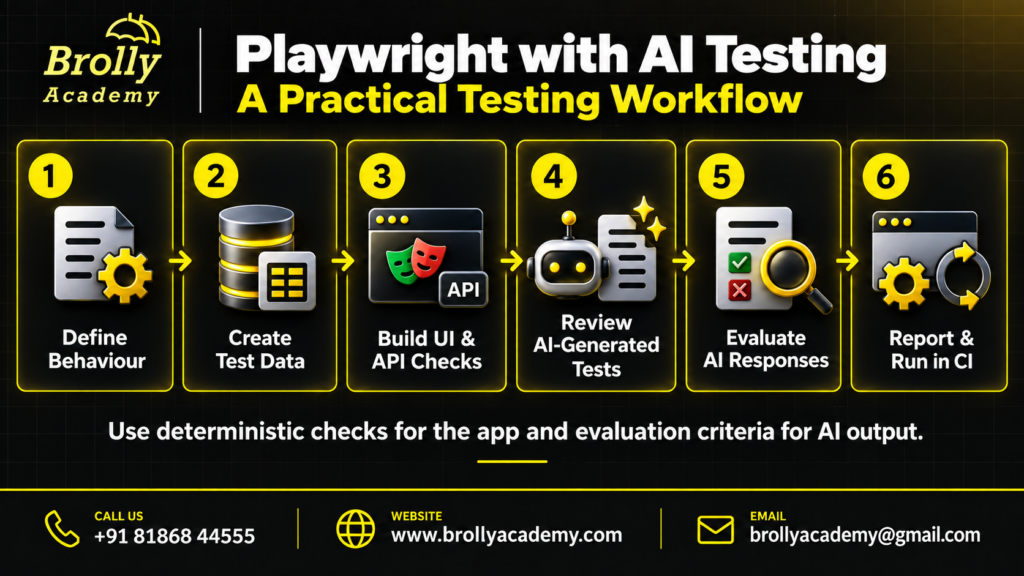
A useful test strategy has three layers. First, run fast UI tests with fixed responses. Next, test integration with the real application service. Finally, evaluate a versioned set of prompts against a clear quality rubric. Keeping these layers separate makes a failed check easier to investigate. A broken Send button and an unsupported medical claim are different defects, even when the same chat screen exposes both.
For example, a policy assistant should show an answer, cite an approved policy and respect the signed-in user’s access. Playwright can verify the displayed citation and permission behavior. A separate check must compare the answer’s claims with the source text.
AI-Assisted Testing vs Testing an AI Application
AI-assisted testing means asking a coding assistant to draft a test, explain a failure or suggest edge cases. The tester still reviews the selectors, assertions, fixtures and code. A generated script can execute successfully while checking the wrong thing.
Testing an AI application means evaluating a product such as a chatbot, document assistant or agent. You need ordinary functional tests plus checks for unsupported answers, unsafe actions, privacy leaks and changing model behavior. Playwright is useful in this workflow, but it does not replace an evaluation dataset or domain review.
Do not install an AI extension just because a tutorial mentions it. A normal Playwright project is enough for the browser exercises below. Add a provider SDK or evaluation tool only when a real requirement needs it. Compare Gen AI testing and automation testing before choosing your stack.
7 Practical Use Cases
| Use case | What to check | What it does not prove |
|---|---|---|
| 1. Chat interface | Input, Send, loading, message order and retries | Answer truth |
| 2. API contract | Status, response shape and error handling | Semantic quality |
| 3. RAG citations | Source label, destination and access | Every claim is supported |
| 4. Authorization | Users see only their permitted data | All security risks are covered |
| 5. Streaming | Partial text, completion, cancellation and recovery | Model accuracy |
| 6. AI-assisted test drafting | Reviewed code matches requirements | Generated tests are automatically reliable |
| 7. CI regression evidence | Repeatable fixtures, reports and traces | Live models never change |
Choose a small number of critical user journeys first. A support assistant that issues refunds needs stronger permission and approval checks than a read-only FAQ assistant. Tie each automated check to an observable requirement and a failure someone can act on.
Set Up Your First Playwright Test
Install a supported Node.js version and create a separate practice folder. Follow the official Playwright installation guide for current operating-system requirements. Run npm init playwright@latest, select TypeScript, and install the required browsers when prompted. Then run npx playwright test to confirm the generated example works.
Keep test files, fixtures and configuration in version control. Store real service credentials in your approved secret store, not in the repository. A browser-only mock exercise does not need a model API key or paid AI subscription.
Before adding an AI-related case, write one ordinary test with a role-based locator and an assertion. Learn what happens when the locator is wrong or the expected result is missing. This small failure exercise teaches more than copying a large framework that you cannot debug.
Choose Mocked Tests or Live Model Tests
| Layer | Input and output | When to run |
|---|---|---|
| Mocked UI regression | Known request and fixed response | Every relevant code change |
| Service integration | Real application backend with controlled test data | After backend or integration changes |
| Live model evaluation | Versioned prompts, sources and model settings | Before a model or prompt release; scheduled checks |
| Human review | High-risk cases, disagreements and novel failures | Before consequential release decisions |
Mocking removes provider variability from an interface test. It cannot demonstrate that the real provider produces good answers. Live tests expose integration and model behavior, but their results need a recorded model identifier, prompt version, source snapshot and run time. Report these layers separately instead of combining every pass into one unexplained accuracy percentage.
A Small Runnable Mock Example
Create tests/assistant.spec.ts with the example below. It defines its own miniature page and intercepts a fictional application endpoint, so it does not depend on an external chatbot. The test demonstrates a request, a displayed answer and a source link. It is not a factuality benchmark or a complete production application.
import { test, expect } from '@playwright/test';

test('shows an assistant answer with its source', async ({ page }) => {
  await page.route('https://training.test/api/answer', route =>
    route.fulfill({
      contentType: 'application/json',
      body: JSON.stringify({ answer: 'Demo policy: 14 days.',
        source: '/policy' })
    })
  );
  await page.route('https://training.test/', route =>
    route.fulfill({ contentType: 'text/html', body: `
      <label>Question <input id="question"></label>
      <button id="send">Send</button>
      <p role="status"></p>
      <a id="source" hidden>Policy source</a>
      <script>
        document.querySelector('#send').onclick = async () => {
          const result = await fetch('/api/answer', {
            method: 'POST', headers: {'Content-Type': 'application/json'},
            body: JSON.stringify({question:
              document.querySelector('#question').value})
          }).then(response => response.json());
          document.querySelector('[role="status"]').textContent = result.answer;
          const source = document.querySelector('#source');
          source.href = result.source;
          source.hidden = false;
        };
      </script>` })
  );
  await page.goto('https://training.test/');
  await page.getByLabel('Question').fill('What is the demo return period?');
  await page.getByRole('button', { name: 'Send', exact: true }).click();
  await expect(page.getByRole('status')).toHaveText('Demo policy: 14 days.');
  await expect(page.getByRole('link', { name: 'Policy source' }))
    .toHaveAttribute('href', '/policy');
});
Run npx playwright test tests/assistant.spec.ts. Change the expected answer and confirm that the test fails. Then restore it. The deliberate failure demonstrates that the assertion protects something. This technique is suitable for fixed fixtures; do not require an uncontrolled live model to reproduce the same sentence word for word.
Write Assertions That Match the Requirement
Use exact assertions for fixed values such as a status code, allowed source ID, required JSON field or approved button label. For a live free-text answer, check meaning against evidence and a rubric. An exact string comparison is often too strict; checking only that the answer contains a keyword is usually too weak.
An answer can mention “refund” and still invent the refund period. Split the requirement into separate checks: the response addresses the question, uses an authorized source, does not introduce unsupported numbers and asks for clarification when essential information is missing. Human review should resolve ambiguous high-impact cases.
Playwright’s web-first assertions retry supported UI checks until they pass or time out. That helps with asynchronous rendering. It does not justify rerunning a bad AI answer until a good one appears.
Build a Policy Assistant Portfolio Project
Create a small fictional policy library with explicit dates and document IDs. Add questions with clear answers, questions that require two documents and questions that the library cannot answer. Include a restricted document for a separate test account. Never use real employee records or customer conversations in a public portfolio.
Your test pack should contain mocked interface checks, backend contract checks and an evaluation file with expected evidence. For each failure, save the prompt, retrieved document IDs, actual response, expected behavior and severity. Keep confidential text out of public screenshots and traces.
Finish with a short release note: what passed, what failed, what was not tested and why. A reviewer should be able to run the project and understand the limits of your claim. The AI Testing Course Syllabus provides the broader QA, API, evaluation and reporting topics to study alongside this project.
Common Mistakes to Avoid
Do not treat a successful HTTP request as a correct answer. Do not ask the same model to write an answer and unquestioningly certify it. Avoid arbitrary fixed sleeps, selectors tied to changing screen positions and screenshots that accidentally include personal information.
Another common mistake is mocking every request and then describing the result as an end-to-end integration test. Mark test scope clearly. A mocked UI suite may pass while the real backend has an expired credential or incompatible response shape.
Finally, do not bury intermittent failures in unlimited retries. Preserve the first failure, classify whether it came from test infrastructure or product behavior, and report the retry outcome separately. Flaky selectors need repair; variable model quality needs measurement.
Keep Tests Reliable and Safe
Use a fresh browser context and controlled test data for each independent case. Choose stable role or label locators, keep secrets outside source files, and make destructive actions impossible in the practice environment. Use explicit test accounts with the minimum permissions required.
Keep a small smoke suite for each pull request and a broader evaluation suite for scheduled or release runs. Define cost and request limits before enabling live calls. Record provider errors separately from answer-quality failures so an outage does not masquerade as a model regression.
Review traces before sharing them. Network payloads, session state and screenshots may contain sensitive information. Retention rules and access controls matter just as much for test artifacts as they do for application logs.
Official References and Further Reading
Use the Playwright API mocking guide for request interception and the API testing documentation for service-level checks. These are different tools for different test boundaries; choose the boundary before choosing a method.
For AI-specific threat categories, consult the OWASP risks for LLM applications. Use them to plan authorized defensive tests for your own system. A completed checklist is not a security guarantee.
After writing a working test pack, practise explaining your decisions using the AI Testing Interview Questions. Be ready to describe what the test demonstrates and what remains unproven.
Learn Playwright and AI Testing in Hyderabad
Brolly Academy’s AI Testing Training in Hyderabad is the relevant course page for learners seeking guided practice. Ask which parts of the current batch cover Playwright, API testing, model evaluation and project review. Confirm software access, schedule, fees and prerequisites directly before enrolling.
Bring a sample requirement to a demo: “The assistant must cite the refund policy and refuse access to a private HR document.” Ask how the course would test both behavior and answer quality. A concrete demonstration is more useful than a long tool list.
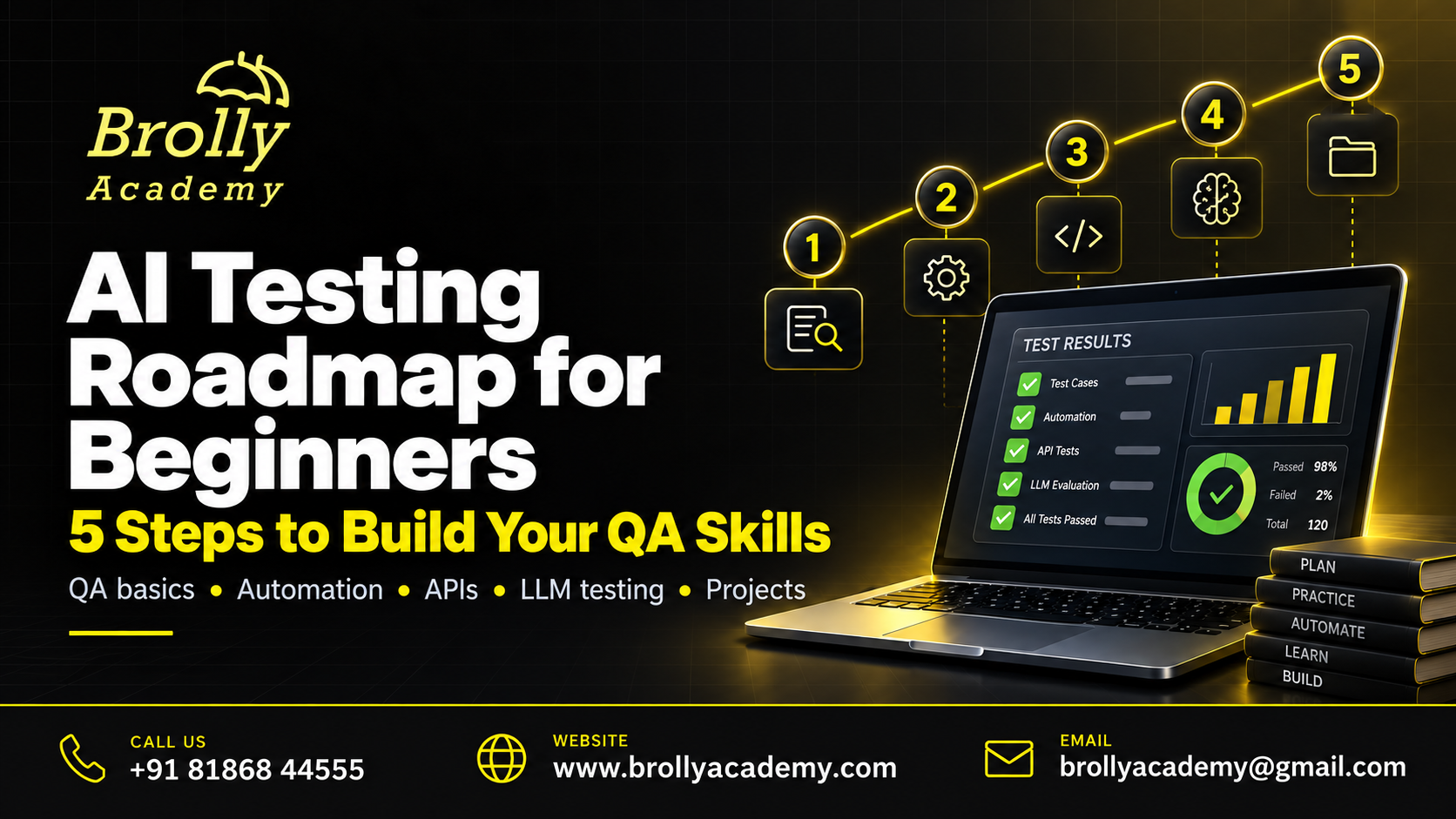
If you are new to QA, follow the five-stage AI testing roadmap first. Existing automation testers can move faster through basic selectors and spend more time on datasets, semantic evaluation and trustworthy release evidence.
Frequently Asked Questions
Does Playwright have to use AI to run a test?
No. Standard Playwright tests run without an AI service. You can test an AI application through its browser interface or API using normal test code.
Can Playwright detect hallucinations?
It can capture responses and source links, but it does not automatically know whether a claim is true. Compare the response with approved evidence using explicit checks and, where needed, human review.
Should I assert the exact chatbot response?
Use exact text for controlled fixtures or genuinely fixed messages. For variable live answers, assess supported facts, relevance, completeness and required constraints instead.
Do I need Python for this guide?
The example uses TypeScript. Python can be useful for evaluation pipelines, but it is not required to run this Playwright Test example.
Can an AI assistant write my entire test suite?
It can draft code, but you remain responsible for coverage, selectors, assertions, secrets and maintainability. Review every proposed test and confirm it fails when the requirement is broken.
How do I test a streaming answer?
Check the initial loading state, arrival of partial content, final completion and cancellation behavior. Also test an interrupted stream and verify that a partial response is not shown as complete.
Why do mocked tests pass when the real chatbot fails?
A mock supplies controlled data and skips the real dependency. Add separate integration tests and live evaluations; do not describe mock coverage as provider coverage.
Can I test RAG citations with Playwright?
Yes, you can inspect citation labels, links, source IDs and access behavior. Claim-to-source support still requires a content-level evaluation.
Should I put a model API key in browser test code?
Do not commit real keys. Use approved environment secrets and call protected services through appropriate backend interfaces. The practice example requires no key.
How many prompts should an evaluation set contain?
There is no universal number. Cover important user tasks and failure categories, then increase samples where consequences or observed variation justify it. Record the sample size with results.
Does passing a UI suite prove the AI system is safe?
No. It only supports the tested interface requirements. Security, authorization, factuality, privacy and operational limits need their own evidence.
What should I show in a job interview?
Show a working test, a deliberately failing case, a readable defect report and a clear explanation of the difference between UI correctness and answer quality.
Hands-On Test Cases to Extend the Project
Use the following exercises as separate, named tests. Each one has a different failure condition. Start with controlled responses, then choose a smaller risk-based subset for the live integration environment. Keep synthetic data and record the limits of each result.
Blank and Whitespace-Only Questions
Send an empty string, spaces and line breaks. The interface should follow its stated validation rule and avoid unnecessary provider calls. Check both the message shown to the user and whether a request was made. A disabled button alone is not enough if pressing Enter bypasses it. Keep the expected wording flexible only where the product allows it; validation status should remain deterministic.
A Slow Answer Without a Frozen Screen
Delay a controlled response and check that loading feedback appears. The user should understand that work is in progress without seeing a false completion message. Verify the documented behavior of the Send button during the wait. If multiple messages are allowed, preserve their order and associate each response with the right request. Choose a timeout from the application requirement, not an unexplained number copied from another project.
Duplicate Submission Protection
Double-click Send or press Enter immediately after clicking. Observe whether the application creates one request or two, and compare that with the requirement. For operations that create records or charge money, repeat the check at the backend because disabling a button is not an authorization or transaction guarantee. Use only a sandbox operation in this exercise and inspect the final record count.
A Provider Rate-Limit Response
Return the application error used for rate limiting. Check that users receive a helpful recovery message and that retries are bounded. Do not expose provider keys, raw stack traces or internal account identifiers. Distinguish a retryable service problem from a question the model cannot answer. The test should fail if the interface silently replaces an error with an invented success response.
Malformed Service Data
Return invalid JSON, a missing answer field and an unexpected field type as separate fixtures. The interface should fail safely and keep existing conversation messages intact. A robust application does not assume every successful network status contains usable data. Record whether the error originates at the provider boundary or the application boundary; this helps assign a defect to the right component.
A Missing Citation
Provide an answer that should include a policy source but omit its citation. Check the stated application behavior: it may block the answer, mark it as unverified or show a defined fallback. Do not invent a citation in the test just to make the screen look complete. This case protects the difference between an answer existing and evidence being available.
A Citation That Opens the Wrong Document
Return a plausible citation label linked to a different document. A UI-only label check will miss this defect. Assert the expected source ID or destination, then evaluate whether the cited passage supports the claim. Use a local fixture so document contents remain stable. Track wrong destinations separately from unavailable links; the user impact and likely root cause are different.
An Answer the Library Cannot Support
Ask a question outside the fictional policy library. The expected behavior may be an uncertainty statement, clarification question or handoff. Write that requirement before running the test. Do not reward confident language simply because it sounds helpful. Include this case in live evaluations as well as mocked UI tests, because the model may behave differently when relevant evidence is absent.
Conflicting Policy Dates
Create two fictional documents with different effective dates. Specify which one should govern the question and preserve both in the source snapshot. Check retrieval, answer selection and citation together. If the user asks about a past policy, the older source may be correct. This exercise shows why “always use the newest document” is not a complete acceptance rule.
Cross-Account Conversation Isolation
Use two synthetic accounts with different conversations. Signing in as the second account must not reveal the first account’s messages through the UI, direct API requests or copied conversation links. A browser test can show the user-facing result, while API checks enforce the access boundary. Use test accounts you are authorized to control and never probe unrelated customer accounts.
Logout and Expired Sessions
Expire a test session while a response is in progress. Verify that protected content is not exposed after authorization ends and that the user receives an appropriate sign-in prompt. Test browser back navigation as well as a fresh page load. The exact behavior depends on the product’s session policy, so document the policy before deciding whether cached text is a defect.
Instructions Hidden in Retrieved Text
In an authorized sandbox, place an instruction-like sentence inside a fictional source document. The assistant should treat source content as data, not as permission to change its task or access other records. Check downstream actions, not only the final wording. A single successful refusal does not establish comprehensive prompt-injection resistance; include varied cases and review the application’s permission controls.
Cancellation During Streaming
Start a long controlled stream and cancel it. Confirm that new text stops appearing, the UI exits its loading state and the cancellation is not presented as normal completion. If billing or backend work continues, that is a separate integration concern. Repeat with a second question immediately afterward to catch stale events that accidentally attach the old response to the new conversation.
A Stream Interrupted by Network Loss
Interrupt a controlled response after some text has arrived. The interface should distinguish incomplete content from a completed answer and offer the defined recovery route. Check that retrying does not duplicate the partial answer or append text to the wrong message. Preserve request identifiers in test evidence so the team can reconstruct which event belonged to which attempt.
Keyboard-Only Operation
Reach the question field, send control, citations and retry action using the keyboard. Check a logical focus order and visible focus indicator. A test that locates an element by role is useful, but it is not a complete accessibility audit. Include manual keyboard and assistive-technology review where appropriate, especially for live response announcements and moving focus after errors.
Long Answers on a Mobile Screen
Use a long fixture containing a URL, a list and an unbroken identifier. Check that text remains readable and the conversation does not force the entire page wider than the viewport. Code blocks may need their own horizontal scroll region. Test the actual supported mobile widths rather than assuming a desktop screenshot can reveal every wrapping and touch-target problem.
A Large File Upload
Use a harmless generated document near the documented size limit. Check progress, rejection behavior above the limit and the ability to remove a selected file. Do not upload real personal records to a practice service. File validation belongs on the server as well as the browser; a friendly client-side message does not prove the backend enforces the limit.
Unicode and Multilingual Questions
Include Telugu, English and mixed-language questions when those languages are in scope. Verify that the UI preserves characters and that the evaluator understands the expected language. Separate text-rendering defects from translation or reasoning errors. Build examples reviewed by a competent speaker rather than assuming an automated translation is a perfect reference answer.
Conversation Context Boundaries
Ask a follow-up that relies on a previous message, then start a new conversation with the same wording. The first case should use permitted context; the second should not inherit unrelated history. Record exactly what history the backend receives. Context bugs often come from application state, truncation or retrieval, so do not automatically blame the model.
Versioned Fixtures and Sources
Store fictional policies and expected outputs with meaningful version identifiers. When a requirement changes, update the reference data deliberately and explain the change in review. Avoid replacing fixtures merely because a test failed. A stable fixture is useful because it exposes regressions; silently editing it to match the latest output removes that protection.
CI Execution with a Request Budget
Separate fast offline checks from tests that call paid services. Limit concurrency and total live requests, and make missing credentials a clear configuration result. A budget failure should not be reported as an answer-quality failure. Retain enough run information to reproduce the issue without publishing sensitive prompts, tokens or account details in a public build log.
AI-Generated Test Code Review
Ask an assistant to draft one test from a written requirement, then inspect every assertion. Check that the test performs the intended action, targets the correct element and fails when behavior is broken. Remove invented APIs and unnecessary dependencies. Keep a short review note explaining what you corrected; that is stronger learning evidence than claiming every generated test was accepted.
A Release Decision with Clear Limits
Summarize UI results, integration results, evaluation outcomes and unresolved high-risk defects separately. Include the test dataset, model and prompt versions, sample size and known exclusions. Do not release solely because an overall percentage looks high. An unauthorized data disclosure can outweigh many successful routine answers. Explain the remaining risk and identify who is responsible for the final decision.