
RHEL MANAGEMENT | CONTENT VIEWS | CONTROLLED PATCHING
Red Hat Satellite Server Training in Hyderabad
Learn to manage Linux content and host lifecycles with a controlled, repeatable process. Work through repositories, content views, activation keys, host registration and patch planning, with emphasis on testing changes before wider rollout.
Course outline8 modules
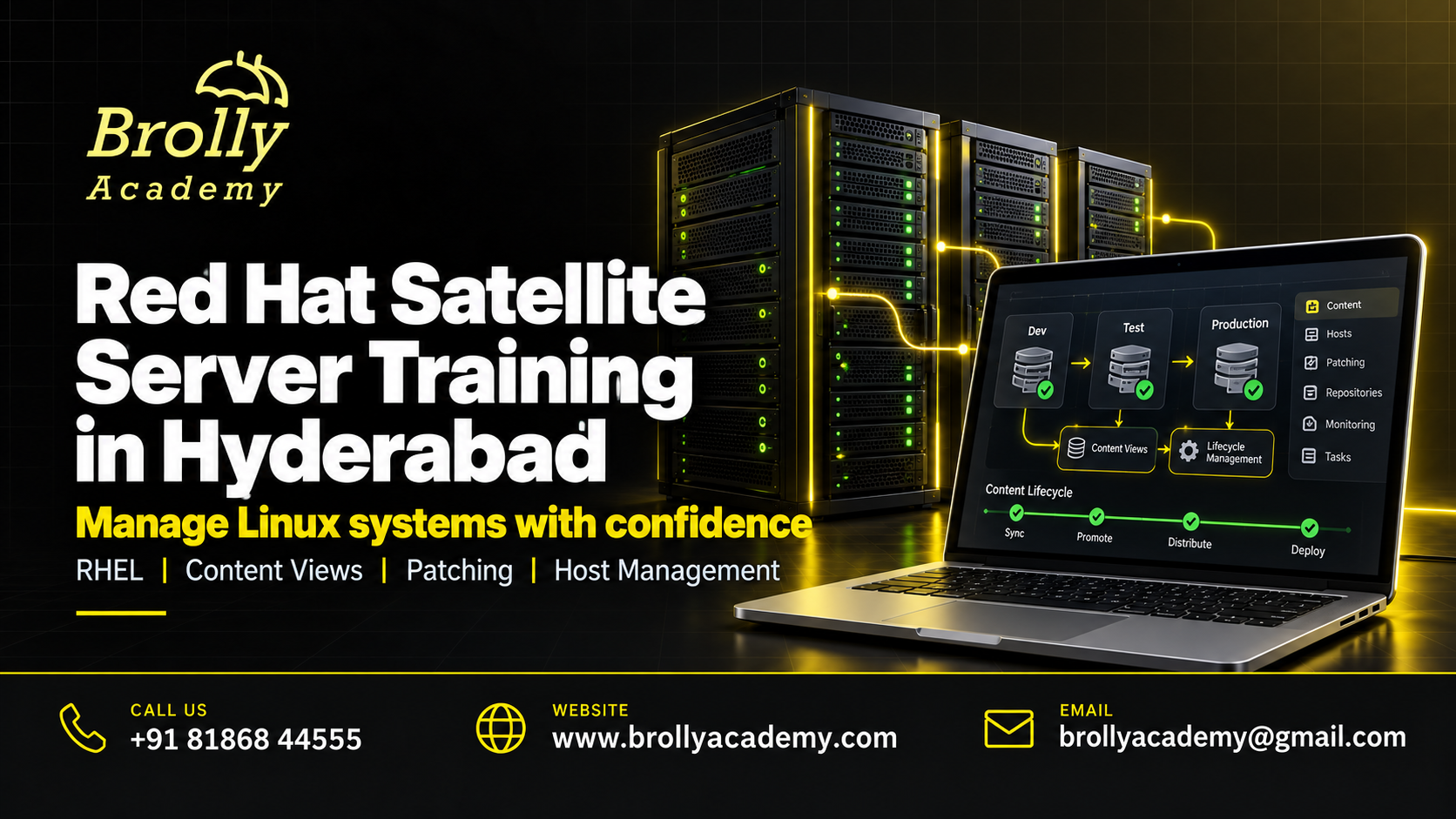
Practice3 project scenarios
Duration32 learning hours
Course feeINR 51,000
About Red Hat Satellite Server Training
Red Hat Satellite helps organizations manage Red Hat Enterprise Linux systems and their software content. It can support a consistent path from synchronized repositories to tested content and managed hosts. Good administration also requires clear ownership, permissions and recovery planning.
This is a Satellite administration learning path, not an introductory Linux course. It is also separate from the official Red Hat RH403 offering and any Red Hat certification exam. The lab release and supported features must be matched to the documentation used during training.
For product-specific terminology and behaviour, use Red Hat Satellite content management. Match the documentation to the environment used in your exercises.
Who Should Join?
You should already be comfortable with Linux services, packages, users, permissions and basic networking. RHEL administration experience and familiarity with Ansible are valuable. A beginner should take a Linux foundation course before this specialist path.
Linux system administratorsBuild on existing RHEL administration skills to manage more hosts consistently.
Infrastructure and operations engineersDevelop a controlled approach to repository access, patch windows and lifecycle promotion.
Ansible and automation practitionersUnderstand how automation fits into Satellite-managed host and content workflows.
For complementary learning, explore Unix Administrator training. Strengthen operating-system administration concepts.
Red Hat Satellite Server Syllabus: 8 Practical Modules
Each module connects a concept to an exercise and an output you can explain. Work through the foundations before attempting the integrated project.
1. Satellite architecture and readiness
Understand Satellite Server, Capsule roles and the network dependencies of a planned lab. Review DNS, time, storage, subscriptions and supported installation requirements. Output: an architecture and readiness checklist with clear assumptions rather than a guessed production sizing recommendation.
2. Organizations, locations and access
Create a logical separation of resources and inspect user roles and permissions. Decide who can synchronize content, promote a version or change hosts. Output: a role-and-responsibility map tested with a restricted training account.
3. Subscriptions and repository synchronization
Understand manifests, entitled repositories and synchronization plans in the supported environment. Verify successful content access and investigate a failed sync without exposing credentials. Output: a repository inventory and a documented synchronization check.
4. Content views and lifecycle environments
Create a curated content view, publish a version and promote it through a simple development, test and production-like path. Explain why publishing or promoting content does not itself install packages on every host. Output: a versioned content-promotion record.
5. Activation keys and host registration
Prepare registration settings and associate a teaching host with the intended content. Verify the repositories and environment actually available to that host. Output: a registration and validation checklist that does not rely only on a successful command message.
6. Errata, patch planning and remote execution
Review relevant updates, define a maintenance window and test a limited host group first. Use appropriate remote-execution and Ansible capabilities under controlled permissions. Output: a patch plan with pre-checks, validation, escalation and recovery considerations.
7. Provisioning and administration interfaces
Explore supported host-provisioning concepts and the roles of templates, network services and Capsule infrastructure. Introduce Hammer and API use for repeatable administration. Output: a documented teaching workflow with secrets excluded and destructive actions clearly identified.
8. Backup, troubleshooting and capstone
Investigate a host with missing content or a failed update. Review backup and restore requirements against the relevant release documentation rather than assuming a snapshot is sufficient. Output: a lifecycle-management runbook, evidence of lab validation and a handover discussion.
Discuss Your Learning Goals
Tell the team about your experience and preferred schedule. Book a free demo to discuss the course, lab access and the practical work expected from you.
Practical Skills You Will Develop
Use the exercises to build an explanation as well as a result. You should be able to show what you did, how you checked it and where the limits are.
Control software contentKnow which repository version reaches which environment.
Validate host accessCheck registration, content availability and configuration together.
Plan safer patchingUse representative tests, maintenance windows and post-change checks.
Document repeatable operationsRecord commands, approvals, ownership and recovery decisions.
Tools and Lab Requirements
A suitable Satellite environment requires authorized subscriptions and compatible infrastructure. Confirm lab access, resource requirements and the exact release before enrolling. A general developer account should not be assumed to include every Satellite entitlement.
Red Hat Satellite and CapsuleStudy content distribution and host-management responsibilities in an approved lab.
RHEL and AnsibleWork with managed hosts and appropriate configuration automation.
Hammer and REST APIExplore repeatable administration with protected credentials and auditable changes.
Keep Red Hat Satellite deployment considerations available when checking an exercise. Use the instructions for your installed version and authorized access level.
Your Learning Roadmap
Build confidence in stages. Practice time and your starting knowledge matter as much as the number of scheduled sessions.
1. Set up and understandCheck the prerequisites and lab access. Complete the first two modules and explain the basic workflow in your own words.
2. Build and investigateWork through the middle modules. Keep notes of errors, what you tried and the evidence that supported a fix.
3. Test and presentComplete the final modules and an integrated scenario. Present your output, validation and a short handover guide.
3 Practical Project Scenarios
These are teaching scenarios using approved lab systems and synthetic data. They are not claims about live client work or previous student results.
Content lifecycle labSynchronize authorized content, publish a view and promote a tested version. Demonstrate which teaching host can access each stage.
Controlled patch campaignPrepare pre-checks, apply an approved update to a test group and record service validation. Include an escalation and recovery decision.
Registration troubleshooting runbookInvestigate a host that cannot see an expected repository. Check its registration, assigned content, entitlement and connectivity systematically.
How the Skills Work in Practice
A new content-view version is promoted, but a host still runs the old package. Promotion makes content available according to the configuration; it does not mean the host has installed it.
Check the host assignment and available repositories, then follow the approved update process. Validate the package and affected service after the change. Keeping availability, installation and service health separate prevents a misleading success report.
Why Learn with Brolly Academy?
Choose a course that connects the subject to work you can actually demonstrate. Use a demo to discuss the learning path and decide whether it fits your starting point.
A connected learning pathThe eight-module outline moves from foundations to an integrated task. Each module identifies an output rather than leaving practice as a vague promise.
A practical local conversationSpeak to the Hyderabad team about your goals, availability and lab needs. Ask questions before committing to a course or a particular schedule.
Clear course boundariesThe page explains prerequisites, product scope and the difference between training completion and independent certification. You can compare the offer with your actual requirements.
Brolly Academy and Other Institutes: Compare the Details
Compare the same evidence from every provider. A long syllabus or a low headline fee does not by itself show how much practical work you will complete.
What to discuss with Brolly AcademyReview these eight modules and the three project scenarios.
Ask for the assigned trainer profile.
Check the lab version and access period.
Review the fee, schedule and certificate terms.
Use the demo to assess the teaching approach.
What to check with any instituteRequest a detailed outline, not just product names.
Verify the trainer information supplied.
Separate demonstrations from your own lab work.
Check licences, exam costs and refund conditions.
Compare the total commitment, not only the advertised price.
Classroom, Online and Corporate Learning
Discuss the currently available delivery format with the academy before booking. Batch availability and session timings should be agreed in writing.
Hyderabad classroom enquiryAsk about the next classroom batch, venue, system requirements and whether you should bring a laptop.
Live online enquiryCheck the session time zone, remote lab access and arrangements for asking questions or catching up on a missed session.
Corporate team enquiryShare your team size, current tools and learning objectives. Agree a scoped program without sharing confidential business data.
For a team program, explore Brolly Academy corporate training.
Red Hat Satellite Server Course Fee and Duration
Review the course fee and planned learning duration below. Contact the academy to agree the batch dates and receive the complete enrolment terms.
Course fee: INR 51,000Ask for the written quotation showing applicable taxes, payment terms and the full amount payable. Do not assume an external exam or commercial software subscription is included.
Duration: 32 learning hoursConfirm the session timetable, the split between guided learning and practice, and the expected work outside scheduled sessions.
Before you enrolCheck lab access, materials, project feedback, missed-session arrangements, refund terms and any additional charges. Keep a copy of the agreed offer.
Course Completion and Certification Guidance
Brolly Academy course completion recognizes the training and assessment work agreed for your batch. It is separate from a credential awarded by a software vendor or another certification body.
Brolly Academy course completionAsk for the attendance, assignment and assessment requirements, the certificate wording and how completion will be verified.
Independent certificationUse official vendor information to check whether a relevant credential is currently offered and what preparation it requires. No vendor authorization, exam voucher or pass guarantee is implied.
Career Roles and Skill Applications
Match the learning path to a role, then compare its requirements with your existing experience. The course can support skill development; it does not guarantee employment.
Linux infrastructure administratorMaintain RHEL hosts and controlled software content.
Satellite administratorManage content lifecycles, host access and operational procedures.
Platform operations engineerCoordinate patching and configuration within a broader infrastructure team.
You can also explore OpenStack training. Explore a separate cloud-infrastructure learning path.
Where These Skills Are Used
Enterprises with managed RHEL estates need consistent content and update practices. Satellite skills complement Linux operations; they do not replace change management, application testing or business approval for maintenance.
Interview and Portfolio Preparation
Prepare evidence you can discuss clearly. Label practice work as training work and do not present a teaching scenario as paid client experience.
Explain a projectDescribe the requirement, your decisions, the result and one limitation. Be ready to answer what you would change for a real deployment.
Show useful evidenceKeep approved files, test results and a concise README or runbook. Remove secrets and private information before sharing a portfolio.
Discuss support servicesAsk the academy which resume, mock-interview or job-search services are included in your batch. Placement assistance is not a job or salary guarantee.
Salary and Hiring Expectations
Salary depends on the role, prior experience, location and the employer. A tool course alone does not establish a salary band. Compare recent job descriptions, required experience and responsibilities rather than relying on a headline income promise.
Meet the Trainer Through a Demo
Request the assigned trainer profile and discuss the experience most relevant to your goals. We recommend using the demo to evaluate how clearly the trainer explains a practical problem.
Relevant experienceAsk for examples of work with Red Hat Satellite Server that can be discussed without revealing confidential client information.
Practical explanationAsk the trainer to explain a failure scenario and how a learner would investigate it, rather than only showing a finished result.
Feedback and supportDiscuss how assignments are reviewed, how questions are handled and the support period included in the course.
Explore Learner Feedback
Read available academy feedback and ask whether a review relates to this particular course, trainer and delivery format. General academy reviews should not be mistaken for verified results from this new course.
Read Academy ReviewsDownload Your Practice Checklists
Use these editable CSV files to organize your learning. They open in common spreadsheet tools and contain real module and project-checklist content.
Download Syllabus Checklist (CSV) Download Project Review Sheet (CSV)Official Documentation for Further Reading
Use the documentation that matches your product version and environment. These sources support technical learning; linking to them does not imply endorsement of Brolly Academy.
Red Hat Satellite content management
Red Hat Satellite deployment considerations
Official Red Hat RH403 course information
Related Courses at Brolly Academy
Choose complementary learning based on your current skill gaps. These are separate courses, not automatically included in this program.
Unix Administrator trainingStrengthen operating-system administration concepts.
View Unix Administrator training
DevOps trainingConnect infrastructure work with controlled automation.
View DevOps training
OpenStack trainingExplore a separate cloud-infrastructure learning path.
View OpenStack training
For a complementary learning path, also explore AppDynamics training. These are separate programs; choose the one that fits your role and prerequisites.
Red Hat Satellite Server Training Enquiries in Hyderabad
Speak to Brolly Academy near JNTU Metro Station. The centre address is Metro Pillar No. A689, Dr Atmaram Estates, 3rd Floor, Nizampet X Roads, Hyderabad 500072. Confirm the batch venue before travelling.
Learners from Kukatpally, KPHB, Nizampet, Miyapur and other parts of Hyderabad can contact the academy to discuss classroom or online availability.
Call +91 81868 44555Red Hat Satellite Server Training FAQs
Can a Linux beginner join directly?
This path is better suited to learners with practical Linux administration knowledge. Build confidence with services, packages, users and networking first so that the Satellite exercises are meaningful.
Is this the official Red Hat RH403 course?
No official Red Hat authorization is claimed. Brolly Academy training and completion certification are separate from Red Hat-delivered training and Red Hat exams.
Does promoting a content view install updates?
No. Promotion makes a version available through the configured lifecycle. Hosts still need the appropriate assignment and an update action, followed by package and service validation.
Will I learn Capsule Server concepts?
Yes. The architecture module covers Capsule responsibilities and their relationship to content and host services. Exact deployment tasks depend on the agreed lab resources and release.
Are the exam and Red Hat subscription included?
They are not implied by the course fee. Ask for a written breakdown of lab access and any separate subscriptions, exam vouchers or software charges before paying.
What should I show in an administration portfolio?
Use a synthetic lab: architecture, repository plan, content-view versions, host-validation evidence and a patch runbook. Do not include employer credentials, private hostnames or restricted subscription details.
Request a Free Demo
Share your contact details and the team can discuss course availability, prerequisites and the next suitable session.
Your details are used to respond to this enquiry. Read our Privacy Policy.