AI Testing Interview Questions
Simple Guide, Syllabus, Projects, Tools & Career Roadmap
AI Testing Interview Questions help freshers and QA professionals prepare for modern testing roles. These questions cover basic QA, automation, prompts, LLMs, RAG, hallucination and project explanation.
This blog is written in simple words for 15-year-old learners, freshers, manual testers and QA professionals who want a clear AI Testing learning path.
-
Nani
- No Comments
Table of Contents
Quick Answer
AI Testing interviews usually check whether you understand QA basics, automation tools, API testing, prompt testing, LLM risks, hallucination, RAG testing and project explanation.
Key Takeaways
- Prepare both normal QA questions and AI-specific questions.
- Interviewers may ask about hallucination, bias, prompt injection, RAG and chatbot testing.
- Project explanation is very important for freshers.
- Playwright, Selenium, API testing and test case design are still useful.
- Keep answers simple, practical and example-based.
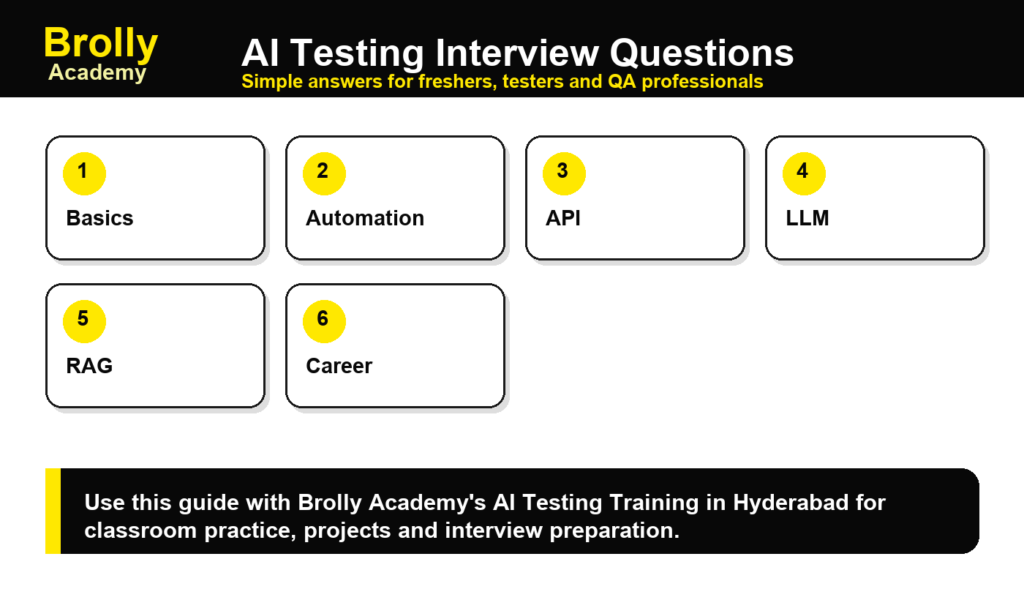
Basic AI Testing Interview Questions
1. What is AI Testing?
AI Testing is the process of checking AI-based features, models, chatbots, prompts and automation workflows for accuracy, safety, reliability and usefulness.
2. How is AI Testing different from automation testing?
Automation testing checks fixed expected results. AI Testing may also check changing answers, hallucination, bias, relevance and context.
3. What is hallucination in AI?
It is when an AI gives an answer that sounds real but is false or unsupported. Read Hallucination in Generative AI for a full explanation.
4. What is a golden test set?
It is a prepared list of questions, expected answers, edge cases and accepted scoring rules used to evaluate AI output.
5. What is prompt injection?
Prompt injection is an attack or test case where a user tries to make the AI ignore rules, reveal private data or perform unsafe behavior.
6. What is RAG testing?
RAG testing checks whether an AI answer uses the right retrieved context, cites the correct source and avoids unsupported claims.
7. How do you test a chatbot?
Prepare conversation flows, common questions, edge cases, unsafe prompts, multilingual inputs and scoring rules for answer quality.
8. What is Playwright used for?
Playwright is used to automate browser testing for web apps. It helps validate user flows, forms, pages and reports.
9. What is API testing in AI projects?
It checks the request, response, status code, authentication, error behavior and data quality of APIs used by AI apps.
10. How do you report an AI defect?
Explain the prompt/input, actual answer, expected behavior, severity, evidence, screenshots and suggested fix.
Scenario-Based Questions
11. How would you test an AI chatbot for a college admission website?
I would prepare questions about courses, fees, eligibility, location, batch timing and contact details. Then I would check answer accuracy, source support, tone, fallback response and unsafe answers.
12. How would you test hallucination?
I would ask factual questions, compare answers with official sources, check fake links, check invented numbers and mark unsupported claims.
13. How would you test a RAG assistant?
I would check whether the right document is retrieved, whether the answer uses that document, whether citation is correct and whether the answer says uncertainty when context is missing.
14. How would you test AI-generated test cases?
I would review coverage, remove duplicate cases, add edge cases, check expected results and verify whether each test case is practical.
15. How would you test prompt injection?
I would try prompts that ask the AI to ignore rules, reveal private instructions or answer restricted topics, then check if guardrails work.
Tools and Automation Questions
16. Which automation tool is useful for AI Testing?
Playwright, Selenium and Cypress are useful for web automation. AI Testing also uses prompts, evaluation sheets, API tools and safety checklists.
17. What is self-healing automation?
Self-healing automation tries to handle UI locator changes automatically. Testers should still review whether the healed step is correct.
18. Can AI replace testers?
AI can help testers write ideas, summarize failures and create data, but human testers are still needed for judgment, risk review and final quality decisions.
Career-Focused Questions
19. Why do you want to learn AI Testing?
A good answer is: I want to combine QA fundamentals with modern AI tools so I can test web apps, APIs, chatbots and AI workflows more effectively.
20. What project can you explain in an interview?
You can explain a chatbot evaluation project, Playwright automation suite, AI test case generator, RAG testing checklist or AI defect report assistant.
Simple Answer Format for Interviews
- Define the concept in one line.
- Give one practical example.
- Mention the tool or method used.
- Explain how you would verify the result.
- Connect it to a project if possible.
Official References
Frequently Asked Questions
1. Are AI Testing interview questions difficult?
They are manageable if you understand QA basics and can explain AI risks in simple words.
2. Should freshers prepare AI Testing projects?
Yes. A small project helps freshers prove practical understanding.
3. Which topic is most important?
Hallucination, prompt testing, RAG testing, API testing and automation basics are very important.
4. Can manual testers move into AI Testing?
Yes. Manual testers already understand test thinking, which is useful for AI evaluation.
5. Where can I learn with interview support?
Start with AI Testing Training in Hyderabad at Brolly Academy.
Final Thoughts
AI Testing interviews become easier when you can explain concepts with examples. Learn the meaning, practice scenarios and connect every answer to a small project.

Brolly Academy Team
AI, Data Science & Software Training Experts | 20+ Years of Training Experience
Brolly Academy Team is a group of AI, Data Science, Cloud Computing, and Software Development professionals dedicated to helping learners gain practical skills and industry knowledge. Since 2015, Brolly Academy has supported thousands of students and professionals through technology training, certification guidance, and career-focused learning.